
Screenshots
App details
- Version
- 1.50
- Updated
- October 18, 2018
- Requires
- Mac OS X
- Language
- English
- License
- Free
- Developer
- Little Big Monster
- Category
- Mac OS
SoftPas in:
This product is also available in the following languages:
About iPackr
Download iPackr – Free File Compression & Decompression Tool
Overview: Why iPackr Stands Out in the Compression Landscape
iPackr is a lightweight yet powerful application designed to shrink large files into compact, portable bundles without sacrificing speed or reliability. Whether you’re dealing with hefty multimedia projects, extensive software archives, or collections of international documents, iPackr offers a seamless solution that works on Windows, macOS, Android, and iOS platforms. The tool not only compresses files into ZIP, 7z, and other popular formats but also excels at extracting them quickly, handling multi‑volume archives, and preserving Unicode file names that often trip up older compressors. Because it’s free, ad‑free, and regularly updated, iPackr serves as a credible alternative to bulkier, paid utilities that can overwhelm system resources. The intuitive interface ensures that even users with minimal technical knowledge can compress a folder with a few clicks, while power users benefit from advanced options such as custom compression levels, password protection, and batch processing. In an era where data transfer limits and cloud storage costs remain a concern, iPackr’s ability to reduce file size by up to 80 % can translate into faster uploads, smoother sharing, and significant savings on storage fees. The application’s commitment to security—through SSL‑encrypted downloads and optional AES‑256 encryption for archives—makes it a trustworthy choice for personal, educational, and professional environments alike.
Core Features & Benefits
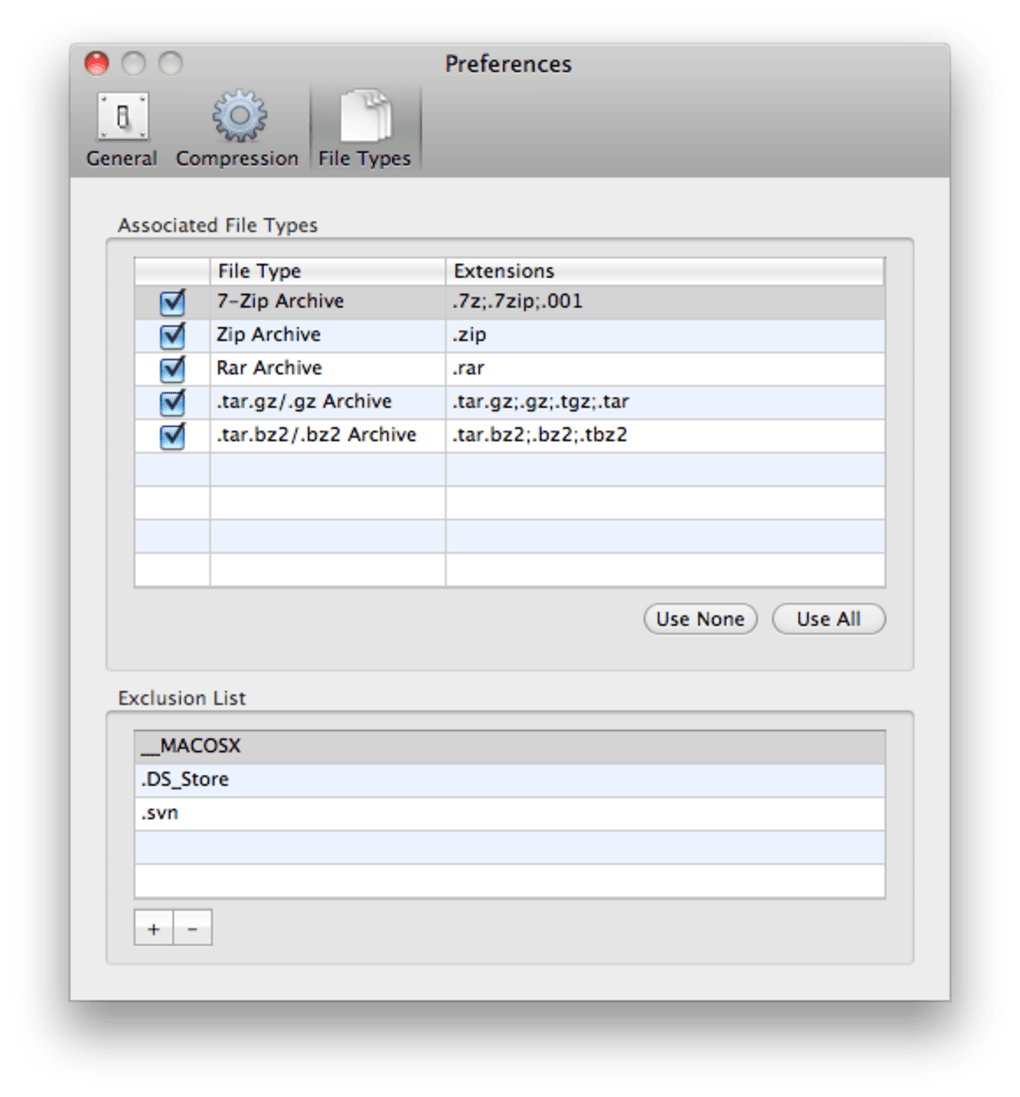
- Universal Compression Formats: Supports ZIP, 7z, RAR, TAR, GZ, and more, ensuring compatibility with virtually any archive you encounter.
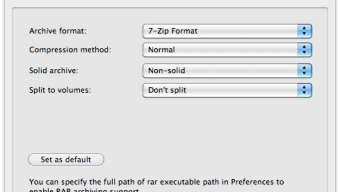
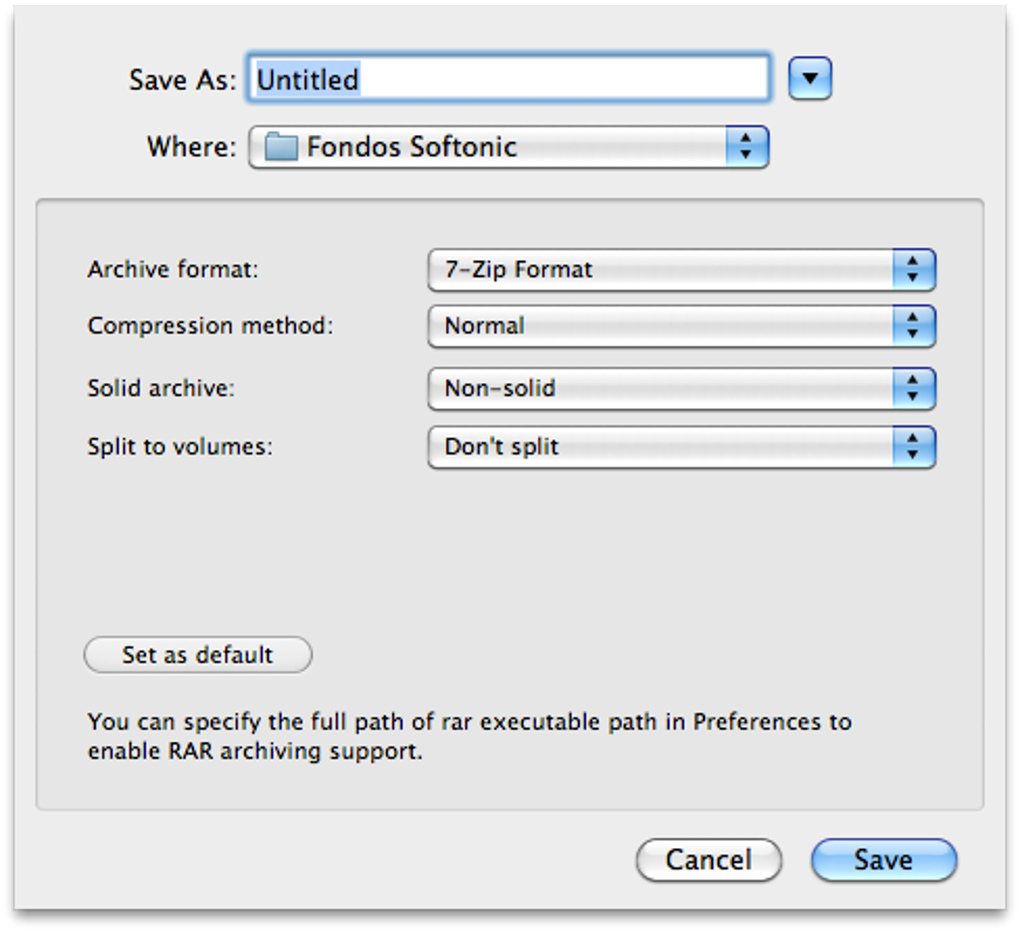
- Multi‑Volume Archiving: Split large archives into manageable parts, perfect for burning to multiple DVDs or uploading to services with size caps.
- International File‑Name Support: Handles Unicode and non‑Latin characters without corruption, a common pain point in legacy compressors.
- High‑Speed Decompression: Extracts archives in seconds, even for multi‑gigabyte files, thanks to optimized threading.
- Custom Compression Levels: Choose between fast, balanced, or maximum compression to suit your time‑sensitivity and size goals.
- Batch Processing: Drag‑and‑drop multiple files or folders to compress them all at once, saving minutes of repetitive work.
- Password & Encryption: Protect sensitive data with AES‑256 encryption and optional passwords during archive creation.
- Free & No‑Ads: Full‑featured without hidden fees or intrusive advertisements, making it suitable for both home and corporate use.
- Automatic Updates: Receives regular security patches and feature enhancements without manual intervention.
- Cross‑Platform Availability: Native installers for Windows 10/11, macOS Monterey and later, plus companion apps for Android 8+ and iOS 13+.
These features combine to deliver a well‑rounded compression suite that doesn’t demand a steep learning curve. For freelancers who need to zip client deliverables quickly, students sharing project folders, or IT teams archiving logs, iPackr provides the right balance of simplicity and depth. The ability to handle multi‑volume archives is especially valuable when dealing with legacy hardware or constrained cloud services. Moreover, the built‑in encryption gives peace of mind for confidential documents, while the batch mode eliminates tedious manual steps. By covering the entire lifecycle of an archive—from creation through secure storage and eventual extraction—iPackr reduces the need for multiple specialized tools, streamlining workflows and cutting down on software licensing costs.
Installation, Usage & System Compatibility
Getting started with iPackr is straightforward. Visit the official website, click the “Download for Windows” (or macOS, Android, iOS) button, and the installer will be delivered via a secure HTTPS connection. For desktop platforms, the installer is a standard .exe (Windows) or .dmg (macOS) file that guides you through the typical wizard steps: accept the license agreement, choose an installation folder, and optionally create a desktop shortcut. Mobile versions are available on the Google Play Store and Apple App Store, ensuring a hassle‑free installation with automatic updates.
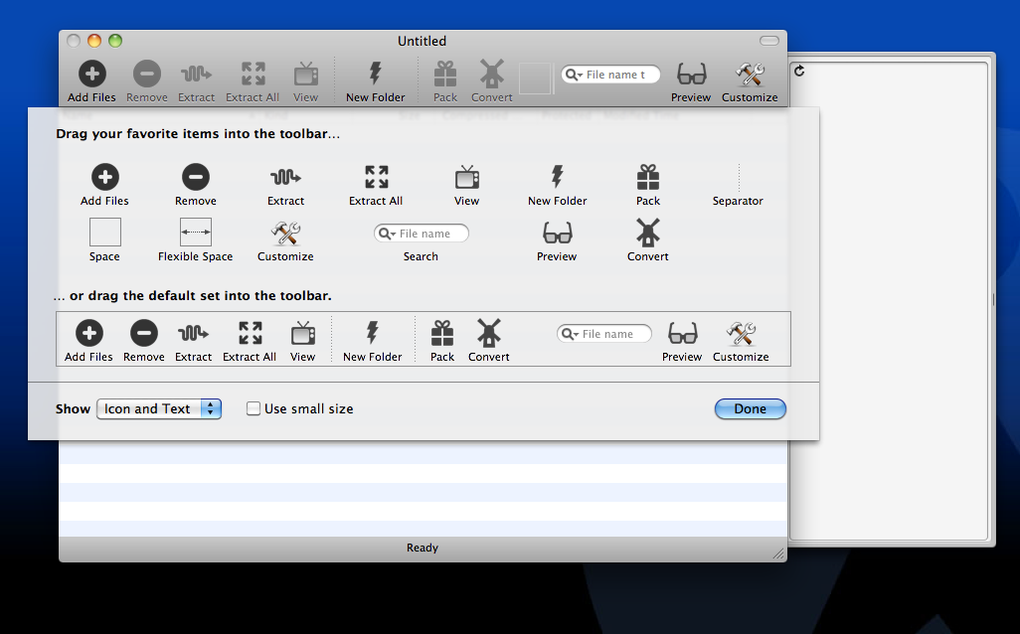
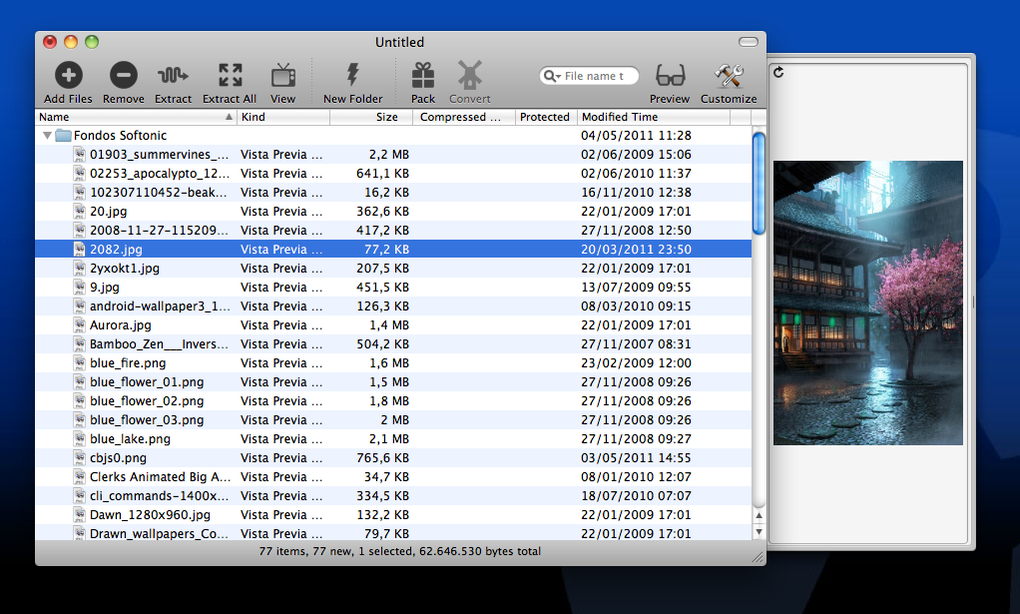
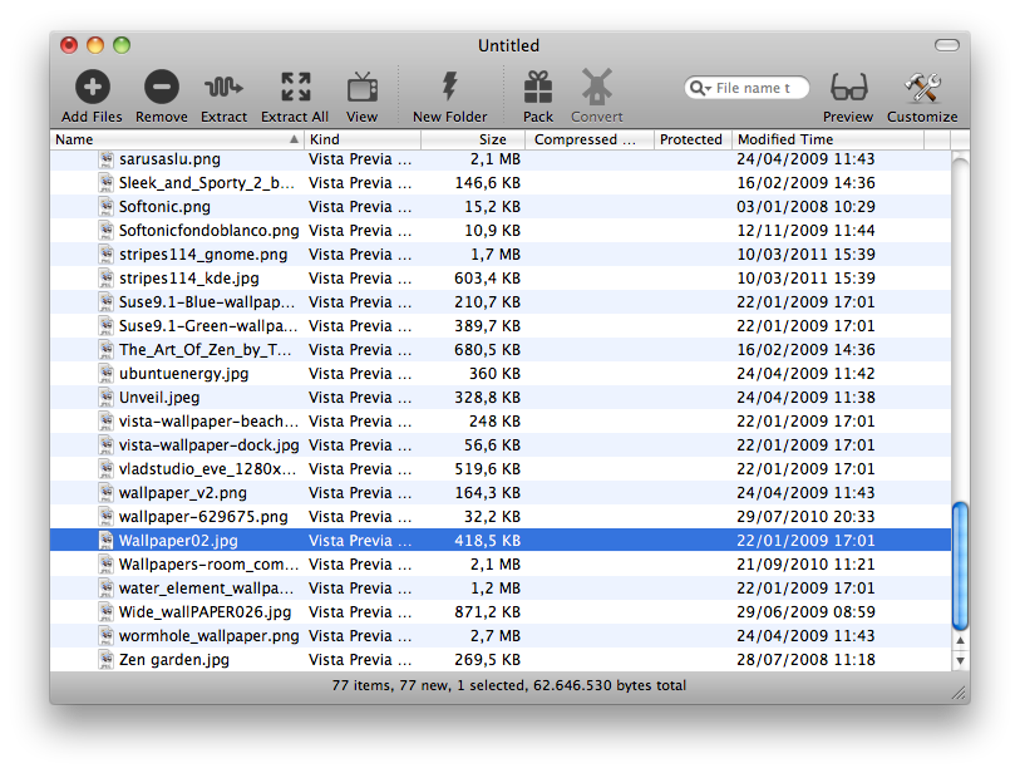
Once installed, launching iPackr opens a clean main window divided into three panels: a file navigator on the left, a preview/metadata area in the center, and an actions toolbar on the right. To compress a file, simply drag it into the central pane or click the “Add Files” button, select your desired output format, adjust the compression level, and press “Compress”. For multi‑volume archives, tick the “Split into volumes” option and define the size of each part (e.g., 700 MB for CD‑ROM compatibility). Extraction follows the same drag‑and‑drop model—drop a ZIP or 7z file onto the window, choose a destination folder, and click “Extract”. The tool will automatically detect the archive type and apply the fastest decompression algorithm available.
Supported Operating Systems: Windows 10/11 (64‑bit), macOS Monterey + (Big Sur onward), Android 8.0 + and iOS 13 + . The application is built with cross‑platform libraries, ensuring consistent performance and UI across devices. Minimum system requirements are modest: a 1 GHz processor, 512 MB RAM, and 50 MB of free disk space for the program itself. Because iPackr uses low‑overhead background threads, it can run alongside other productivity tools without noticeable slowdowns. Users on older hardware can still benefit from the “Fast” compression preset, which sacrifices a small amount of size reduction for quicker operation.
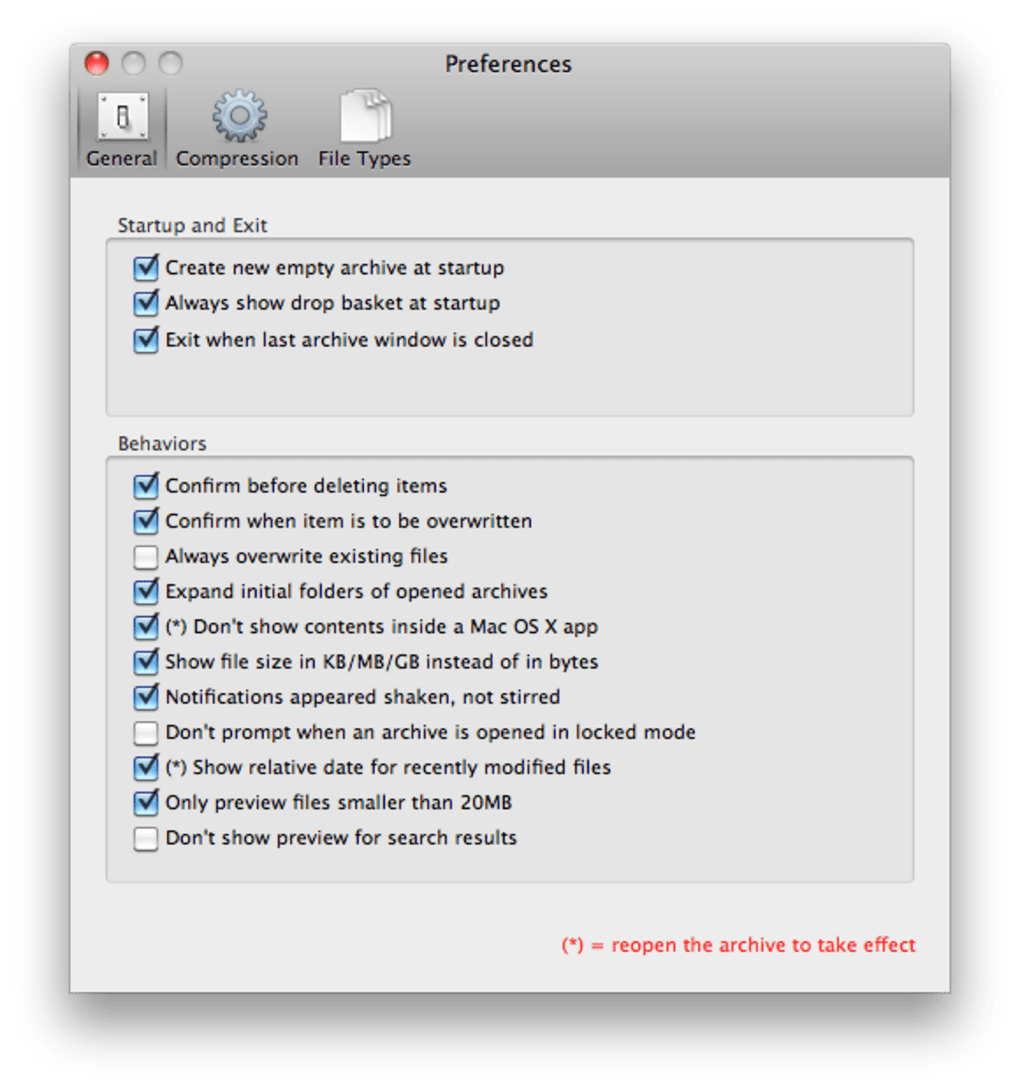
After the first use, iPackr offers to remember your most common settings—such as default compression format and destination folder—so future tasks become almost one‑click operations. The “Recent Files” list in the toolbar provides instant access to the last ten archives you created or extracted, further speeding up repetitive workflows. For enterprises, an optional command‑line interface is available for scripting bulk compression jobs on servers, allowing integration with backup pipelines and CI/CD workflows.
Pros, Cons & Frequently Asked Questions
Pros
- Free with no ads, making it suitable for both personal and commercial use.
- Supports a wide range of archive formats and Unicode file names.
- Fast compression and decompression, even for multi‑gigabyte files.
- Multi‑volume archiving helps bypass size limits on storage media.
- Built‑in AES‑256 encryption for secure archive handling.
- Cross‑platform availability (Windows, macOS, Android, iOS).
- Automatic updates keep the software secure and feature‑rich.
Cons
- No built‑in cloud integration (e.g., direct upload to Google Drive).
- Advanced archive formats like RAR extraction rely on external libraries.
- Command‑line interface is optional and may require separate download.
- Limited customization for UI themes (only light and dark mode).
FAQ
Is iPackr really free, or are there hidden fees?
iPackr is completely free to download and use. There are no hidden subscription fees, in‑app purchases, or advertisements. All features, including multi‑volume archiving and AES‑256 encryption, are available without a paid upgrade.
Can iPackr handle password‑protected archives?
Yes. When creating a new archive, you can enable password protection and select AES‑256 encryption for maximum security. iPackr will also prompt you for the password when extracting a protected file.
Does iPackr support extraction of RAR files?
iPackr can extract RAR archives using bundled open‑source libraries. However, creating RAR files is not supported due to licensing restrictions. For RAR creation, you’ll need a dedicated RAR utility.
How does iPackr ensure my data is secure during download?
All download links are served over HTTPS with a valid SSL certificate. The installer is signed with a digital certificate, allowing Windows and macOS to verify its authenticity before installation.
Can I automate compression tasks with iPackr?
Yes. iPackr offers an optional command‑line interface (CLI) that can be scripted for batch operations. This is especially useful for server‑side backups or integrating compression into CI pipelines.
Overall, iPackr delivers a reliable, feature‑rich compression experience without charging a dime. Its cross‑platform support and attention to international file‑name handling make it a standout choice for users who need a no‑frills yet capable archiving tool.
Conclusion & Call to Action
In a crowded market of file‑compression utilities, iPackr distinguishes itself through a blend of simplicity, speed, and genuine value. The fact that it remains free, ad‑free, and continuously updated demonstrates the developers’ commitment to providing a trustworthy tool for both casual users and power users alike. Whether you are a photographer needing to zip high‑resolution images for client delivery, a student compressing research data for limited‑size email attachments, or an IT professional automating backup archives, iPackr offers the flexibility and performance required to get the job done efficiently.
By supporting all major operating systems, handling Unicode filenames flawlessly, and offering robust security features such as AES‑256 encryption, iPackr addresses the most common pain points that users encounter with older compression programs. The inclusion of multi‑volume archiving and batch processing further enhances its utility in professional environments where time and storage constraints are critical.
If you are ready to streamline your file‑management workflow, reduce upload times, and keep your archives secure, download iPackr today and experience the convenience of a modern compression suite without spending a cent. Click the button below to start your free download, and enjoy immediate access to a faster, lighter way of handling files.
Download iPackr NowGuides & Tutorials
How to install iPackr
- Click the Download button above.
- Once redirected, accept the terms and click Install.
- Wait for the iPackr download to finish on your device.
How to use iPackr
This software is primarily used for its core features described above. Open the app after installation to explore its capabilities.
User Reviews
No reviews yet. Be the first to share your experience.
You may also like
more
DiffusionBee
Generate unique art with this app DiffusionBee is a free and accessible artifici...

Excire Foto Light
Organize your snapshots Excire Foto Light is a free-to-download AI -powered phot...

Topaz Photo AI
Photo enhancement tool with AI Topaz Photo AI is a premium AI image editor for P...

anonymoX
Surf anonymously with Firefox anonymoX for Firefox is an add-on that gives you f...

DownThemAll
Download Them All! Downloading anything or everything on a webpage can be a labo...
.webp)
DuckDuckGo Privacy Essentials
A free program for Mac, by DuckDuckGo, Inc.. DuckDuckGo Privacy Essentials is a...